
IPTV Features & Setup Support

Find a service suited to your channels, country and devices. Get setup guidance and technical support throughout your subscription.

Your viewing preferences. Our starting point.

We check what you want to watch and how you watch it, then help you compare suitable IPTV subscriptions.

  1. Tell us what you watch

    Share your country, preferred channels, device, app and number of simultaneous screens.

  2. Compare suitable options

    Our team checks your requirements and suggests 2–3 suitable services, explaining the differences.

  3. Try your preferred option

    Request an available trial to check your channels and playback on your own setup before subscribing.

More ways to watch. Features worth checking.

Explore live channels, sports and on-demand entertainment. We help you check the content and features that matter before you choose a subscription.

Live TV channels

Explore regional and international channels across news, entertainment, documentaries and family viewing. Share your must-have channels so we can check them.

Sports coverage

Tell us which teams, leagues and competitions you follow. Our team checks suitable sports channels and helps you test playback during an available trial.

Movies on demand

Browse movies when it suits you. Let us know your preferred languages, genres or specific titles so we can check the available movie libraries.
Series & episodes

Explore series across different genres and languages. Ask about the shows you follow, including available seasons and episodes, before choosing your service.
TV programme guide

See what is on now and coming next where programme listings are supported. Guide coverage depends on the channel, selected service and player app.
HD & 4K viewing

Watch supported content in HD or 4K. Available quality depends on the source, subscription, device, app and your internet connection.
Content libraries, channel availability and features vary between services. Confirm your requirements with our team and test your preferred option.

Check with a free trial
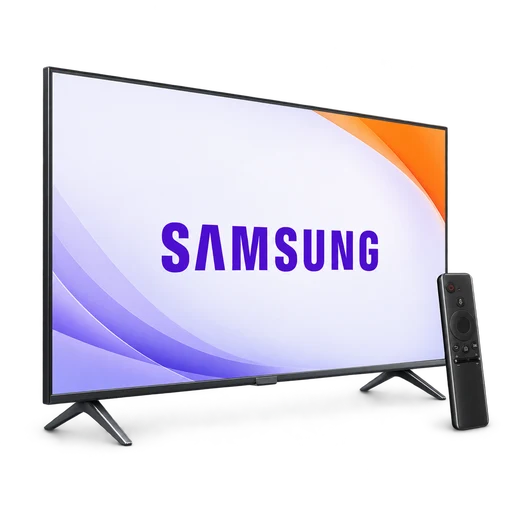
Samsung television and remote

Samsung TV

Model-specific Tizen setup.

LG television and remote

LG TV

Guidance for supported webOS apps.

Android streaming box and remote

Android & Google TV

Supported TVs and streaming boxes.

Fire TV stick and remote

Fire TV & Firestick

Player and installation guidance.

Your screen. Your way to watch.

Setup guidance for the device you already use.

Tell us your device model, app and viewing preferences. We’ll check a suitable service, confirm the login method and help you get started.
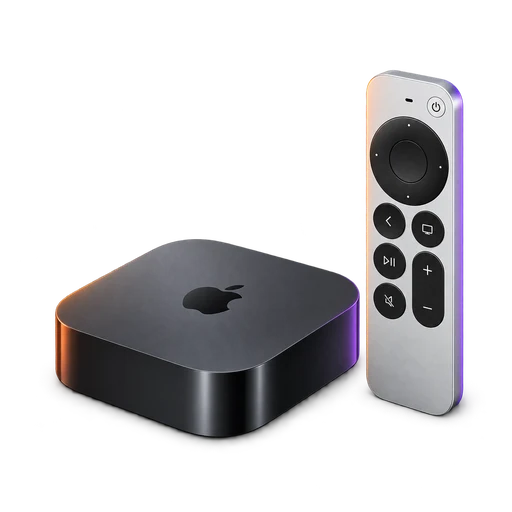
Apple TV box and remote

Apple TV

Compatible tvOS player setup.

Android smartphone and iPhone

Android & iPhone

Supported mobile player guidance.

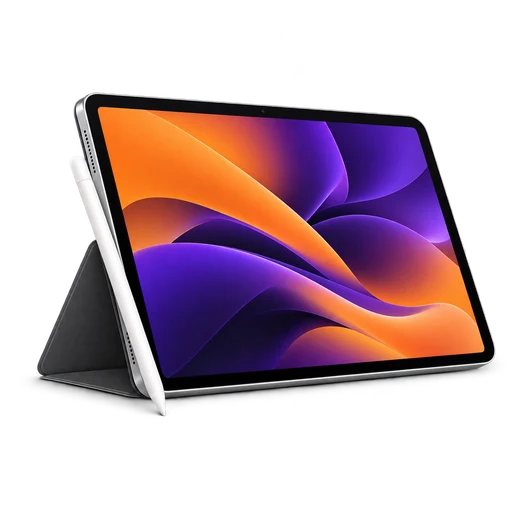
Tablet with stylus

Tablets & iPad

Help with your tablet setup.

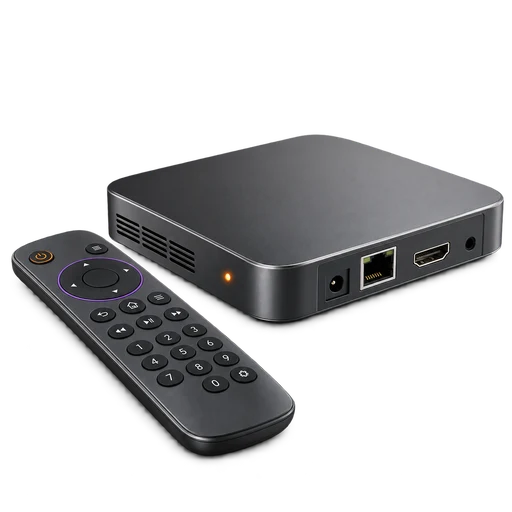
MAG style set-top box and remote

MAG & Stalker

Box, portal and MAC setup guidance.

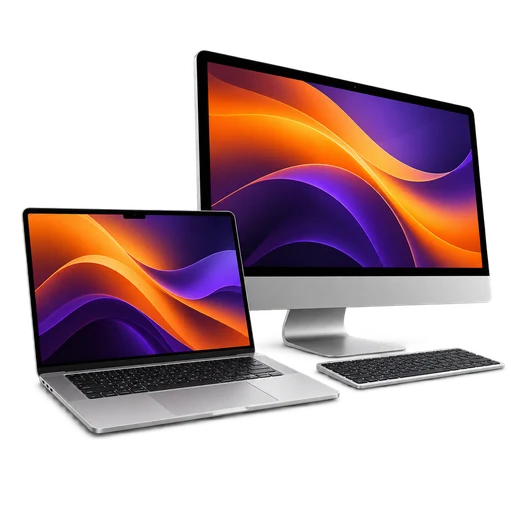
Laptop and desktop computer

Windows & Mac

Supported desktop and laptop players.

Changing your device? Let’s update your MAC.

For a MAC-based subscription, contact our team before switching devices. We’ll help update the registered MAC address. Your existing simultaneous-screen allowance still applies.

Request a MAC Update

Know what your plan includes.

Confirm these details before ordering so your subscription matches how you want to watch.

Screens used at the same time

A one-connection plan allows one device to stream at a time. Tell us before ordering if you need multiple simultaneous streams. Additional connections are quoted separately.

Apps and player licences

Some players require their own paid licence. App availability and features depend on your device and selected service. Any separate app charge is confirmed before setup.

Channels and extra features

Channel selections, catch-up, programme guides and picture quality vary between services. Share your must-have channels and features so we can check suitable options.

Check it on your own screen.

Request a trial to check your preferred channels, app compatibility and playback on your connection. Our team confirms availability and trial duration.

Request a trial

A few things before you choose.

Answers about setup, connections and subscription support.

How do you choose a subscription for me?

Tell us your country, device, app, preferred channels and how many screens you need at the same time. Our team checks suitable services and normally suggests two or three options for you to choose from. The price and setup are confirmed before you order.

Will every service work with my device?

Compatibility depends on the service, player and login method. Send your device model and app name. For Samsung and LG TVs, include the model or year if you know it. We check the supported options before recommending a subscription.

Can I move my subscription to a different device?

You can change to another compatible device while keeping within your plan’s simultaneous connection limit. For a MAC-based service, contact our team to request the MAC address change before using the replacement device.

Can my family watch on two screens at once?

Only if your selected plan includes the required simultaneous connections. A one-connection plan supports one active stream at a time. Tell us how many screens you need before ordering; extra connections are quoted separately and availability depends on the service.

Does the subscription include a paid player app?

A paid player licence is not automatically included. Some compatible apps are free, while others charge separately. We confirm whether your chosen setup needs an app licence and explain any additional cost before you proceed.

Are catch-up, programme guides and 4K available on every plan?

These features are not available on every service or channel. Playback quality also depends on the source, your device, app and internet connection. Tell us which features matter to you so we can check them for the proposed service.

What happens if my subscription stops working?

Contact our team with your device, app and the error you see. We check the service first and guide you through device or connection checks where needed. If the issue cannot be resolved, we can review another suitable service and confirm its availability and any price difference.

How long can I get setup and technical support?

Setup guidance and help with subscription-related issues remain available throughout your active subscription. Include the exact error message when contacting us, and hide passwords and payment information in screenshots.

Can I check my channels before paying?

Request a trial and send the exact channel names you want to check. We confirm trial availability and duration for the suggested service. Use it on your own device and connection before choosing a paid plan.

Request a trial

Tell us what you want to watch.

Send your country, device and preferred channels. We’ll help you choose a suitable subscription.